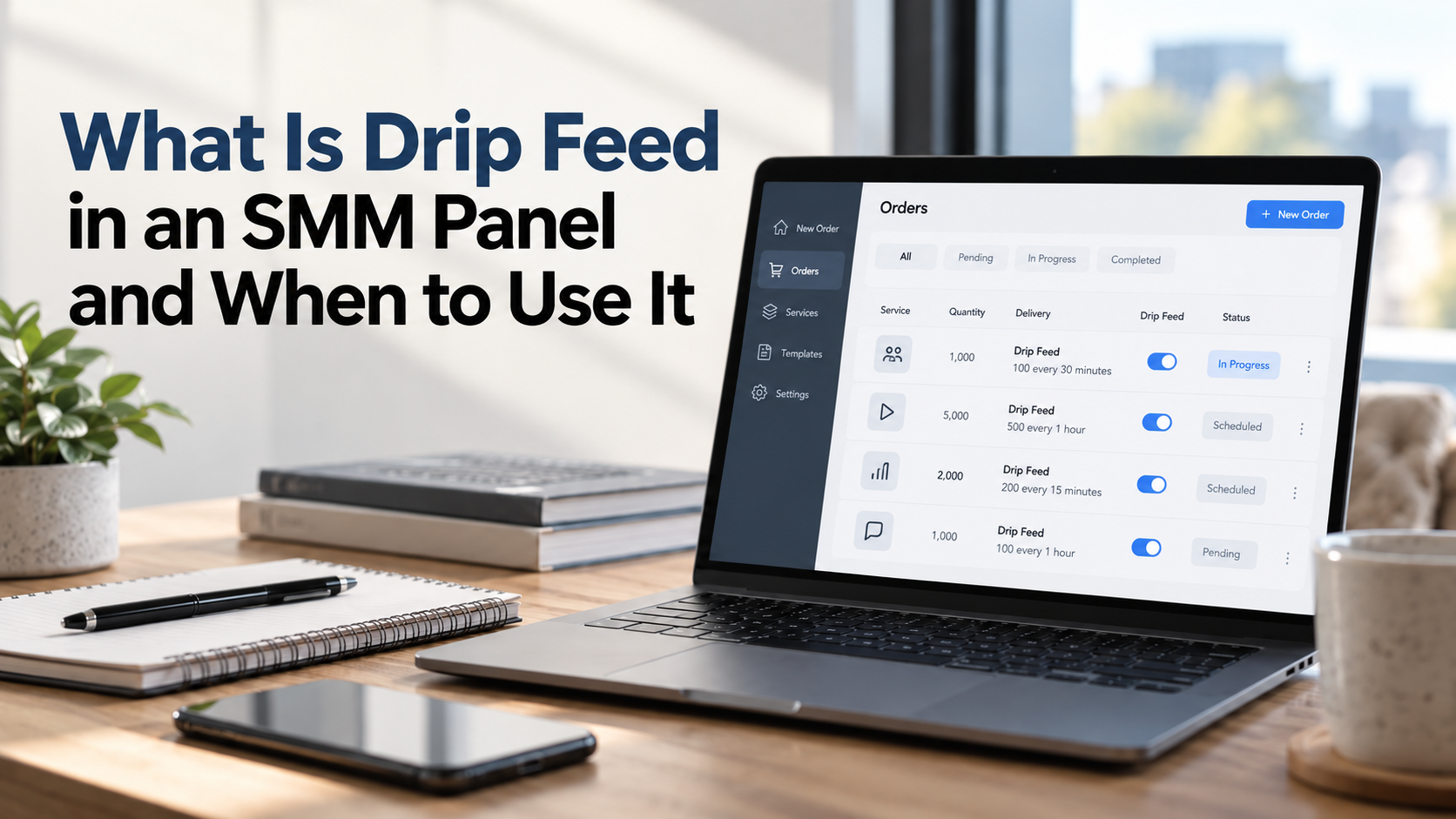
Drip feed is an SMM panel feature that divides a social media service order into smaller batches scheduled at regular intervals instead of requesting the entire quantity at once. It is useful when you want to spread followers, likes, views, or other supported services across multiple runs rather than placing one large delivery request.
At OZSM, drip feed gives resellers, agencies, and individual users more control over how eligible orders are scheduled. The feature uses three settings: quantity, runs, and interval. Understanding how these settings interact helps you avoid ordering the wrong amount or creating a schedule that does not match your campaign.
How Does Drip Feed Work?
A standard SMM order requests a specified quantity through one order. With drip feed enabled, the panel repeats a smaller order according to the number of runs and the interval you select.
Three parameters determine the configuration:
- Quantity: The number of units requested during each run in the common drip-feed model.
- Runs: The number of times the selected quantity is requested.
- Interval: The scheduled gap between consecutive runs, usually entered in minutes.
The basic calculation is straightforward:
Total requested quantity = Quantity per run × Number of runs
The interval determines the spacing between scheduled requests, not the total quantity. Actual processing can vary because each batch remains subject to the selected service's operating conditions.
A Practical Drip Feed Example
Suppose you manage an Instagram post and want to request 1,000 likes across ten separate runs rather than through one order.
You could configure the following hypothetical schedule:
Setting | Value | Explanation |
Quantity | 100 | 100 likes requested per run |
Runs | 10 | Ten separate batches |
Interval | 1,440 minutes | One day between scheduled runs |
Total quantity | 1,000 likes | 100 × 10 |
Under this configuration, the system schedules ten requests of 100 likes each. There are nine intervals between the first and final scheduled runs. The example describes the intended schedule rather than a guaranteed completion timeline.
One important detail is that the quantity field commonly represents the amount per run, not the overall campaign total. Entering 1,000 as the quantity with ten runs would request 10,000 likes under this model. Always verify the total quantity and the selected service's limits before submitting an order.
When Should You Use Drip Feed?
Drip feed makes sense when distributing an order over several scheduled batches is more useful than requesting everything together. The right choice depends on the content, campaign structure, and service capabilities.
For Ongoing Content Campaigns
Some creators promote content over an extended period instead of concentrating all activity around publication. Scheduled batches can align an eligible service order with that longer campaign structure.
For example, a creator maintaining an active Instagram page may prefer multiple smaller requests for a particular post. This is a scheduling choice and does not establish that the resulting engagement is organic or that the platform will distribute the content more widely.
For Agency Campaign Management
Agencies often coordinate several client campaigns with different objectives. A scheduled order reduces the need to submit identical requests manually whenever another batch is needed.
For resellers, this can simplify the operational side of handling repeat requests. However, each campaign still needs its own quantity calculations, service eligibility checks, and progress monitoring.
For Larger Service Quantities
When a campaign involves a substantial quantity, dividing the request into smaller runs can make its scheduling easier to manage. Instead of submitting one large request, you specify how much the system should request during each scheduled batch.
This does not guarantee a smoother visible growth curve. Individual runs can still process unevenly, and the resulting account or content metrics depend on the service and platform.
When Is a Single Delivery Better?
Not every order benefits from drip feed. A standard order is often the more appropriate option when the entire requested quantity belongs to one campaign action and there is no reason to divide it into repeated batches.
Consider standard delivery in these situations:
- Small orders: A limited quantity may not require a multi-run schedule.
- One-time campaigns: A single promotional activity may not need recurring service requests.
- Time-sensitive content: If a campaign has a fixed deadline, an extended schedule may be unsuitable. Standard delivery still does not guarantee completion before that deadline.
- Services without drip-feed support: Some service types or configurations may only accept regular orders.
- Simple order tracking: A single request avoids the additional scheduling variables associated with multiple runs.
The distinction is between one requested delivery and several scheduled requests. Drip feed is not automatically superior, and selecting it does not improve the underlying service quality.
What Should You Check Before Enabling Drip Feed?
Before configuring a scheduled order, review the service requirements and the practical limits of the campaign.
Service Eligibility and Quantity Limits
Drip-feed support depends on the selected service. Check whether the option is available and whether the configured quantity and number of runs fall within applicable limits.
Pay particular attention to both the amount requested per run and the calculated total. A configuration can exceed a service limit even when each individual batch appears relatively small.
Interval Settings
An interval is a scheduling instruction rather than a delivery guarantee. If an earlier run is still processing when another is scheduled, the actual activity may not match the intended spacing.
Some services may also restrict acceptable intervals or numbers of runs. Review the available settings instead of assuming that any schedule can be accepted.
Existing Orders on the Same Link
Submitting overlapping orders for the same content can complicate progress tracking. Multiple requests may use similar starting counts, making it harder to determine how much each order has contributed.
We recommend checking the status of an active order before submitting another request for the same link. Avoid changing the target link, username, or relevant privacy settings while an order is processing.
Platform Rules and Account Restrictions
Drip feed changes order scheduling, not the nature of the service. It does not turn purchased interactions into genuine audience relationships or remove the possibility of platform enforcement.
Users remain responsible for checking whether their planned activity complies with the applicable social media platform's rules. Publicly accessible content and accurate order information are also important for processing eligible services.
How to Use Drip Feed with OZSM
OZSM has served social media resellers, agencies, and individual users since 2021. Our smm panel provides access to services across platforms including Instagram, TikTok, YouTube, Telegram, Facebook, and Twitter (X).
To prepare an order with scheduled batches:
- Sign in to your OZSM account and review the available smm services .
- Select the platform and service that matches your campaign.
- Enter the requested post link or username as required by the service. A social media account password is not needed.
- Check whether the selected service supports drip feed.
- Enter the per-run quantity, number of runs, and interval where those fields are available.
- Verify the calculated total and service restrictions before submitting.
- Monitor the order status and review any processing issues before making additional requests.
For resellers using integrations, our API includes order creation and status functions. Supported order configurations can include the runs and interval parameters, allowing scheduled requests to fit into an automated order workflow. Availability still depends on the chosen service.
Is Drip Feed the Same as Slow Delivery?
No. Drip feed and slow delivery describe different approaches to processing an order.
Drip feed explicitly schedules repeated requests using configured quantities and intervals. A service described as slow delivery may process one order gradually according to its own operating characteristics, without giving the customer control over separate runs.
For instance, an order configured for five runs of 200 views is not necessarily processed at the same pace as one order for 1,000 views handled gradually. Each scheduled batch might itself process at a variable rate.
This distinction matters when comparing service descriptions. A slower service does not necessarily include configurable scheduling, while a drip-feed option does not guarantee that every individual batch will be delivered gradually.
Can You Change or Cancel a Drip Feed Order?
Changes and cancellations depend on the order status and the selected service's supported actions. Do not assume that an active schedule can always be modified after submission.
Some services provide cancellation or refill options under specific conditions. Those features should be reviewed separately from drip-feed availability because scheduling support does not automatically include either one.
Before placing a substantial multi-run order, confirm the quantity calculation and campaign requirements. This is especially important when future runs have already been configured.
Choosing the Right Delivery Method
Use drip feed when your campaign genuinely needs repeated service requests across a defined schedule. Choose a standard order when one request is sufficient or when dividing the quantity adds unnecessary complexity.
The most useful decision is based on three questions: How much do you want to request in total? Does the service support scheduled runs? Is repeated delivery appropriate for the campaign?
At OZSM, we provide both standard ordering workflows and drip-feed functionality for supported services. Selecting the appropriate method helps you organize orders around your actual requirements without confusing scheduled quantities with guaranteed outcomes.